Print candle labels from a scent list
Open the free label maker: https://app.mylabelmaker.com. No signup. Design the label, then print to a Zebra or download PNG, PDF, or ZPL.
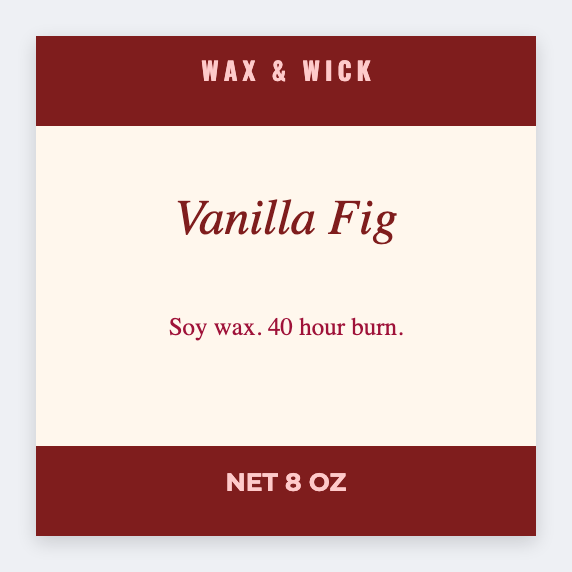
You can print candle labels from a scent list. Open the free label maker, map {{scent}} and {{oz}}, add your warning text, and print the lids or wraps. No signup. Don't skip the warning line because the sheet is long.
Good to know: Do not skip the warning line because the sheet is long. Keep a {{warning}} column if the text changes by product.
How to print candle labels from a scent list
- Open https://app.mylabelmaker.com. No signup.
- Sheet: scent, size, optional warning and batch date. Set the lid or wrap size.
- Map {{scent}} large. Add {{oz}} and {{warning}}.
- Preview two scents. Print the pour list.
Wax melts too
Same sheet, smaller sticker. Change the size, keep the tokens.
Print or save
Got a Zebra? Print with Browser Print at the printer's DPI. Everyone else: print from this computer, or download PNG, JPG, SVG, PDF, or ZPL. Save JSON if you want the editable master back later.