Print bath bomb labels from a scent list
Open the free label maker: https://app.mylabelmaker.com. No signup. Design the label, then print to a Zebra or download PNG, PDF, or ZPL.
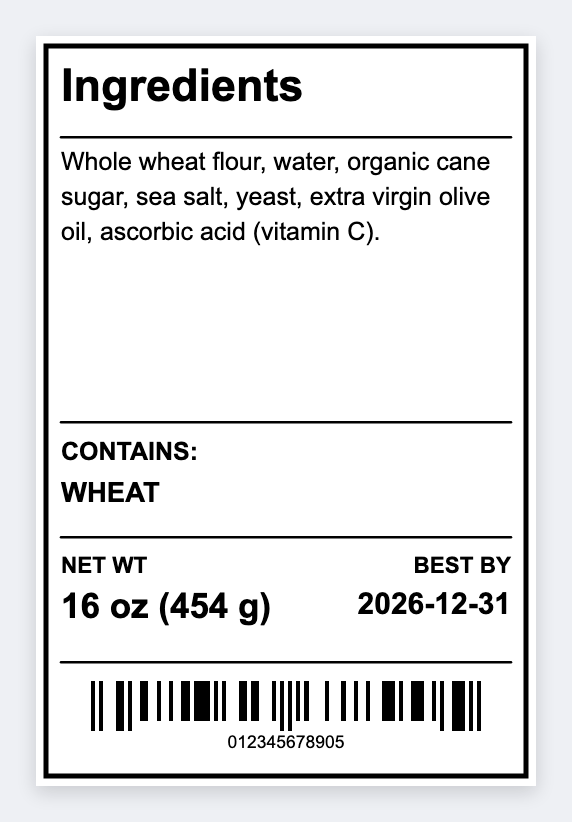
You can print bath bomb labels from a scent list. Open the free label maker, map {{scent}} and {{ingredients}}, preview the longest list, then print. No signup. If type hits the edge, go up in height.
Good to know: Long ingredient lists need a taller wrap. If type hits the edge, go up in height.
How to print bath bomb labels from a scent list
- Open https://app.mylabelmaker.com. No signup.
- Sheet: scent, ingredients, net weight. Set the wrap size.
- Map {{scent}} large and {{ingredients}} wrapped.
- Preview the longest list. Print the run.
Same pour as candles
If you already have a fragrance sheet for candles, reuse the scent column. Change only the size.
Print or save
Got a Zebra? Print with Browser Print at the printer's DPI. Everyone else: print from this computer, or download PNG, JPG, SVG, PDF, or ZPL. Save JSON if you want the editable master back later.