Free pipe and valve labels online
Open the free label maker: https://app.mylabelmaker.com. No signup. Design the label, then print to a Zebra or download PNG, PDF, or ZPL.
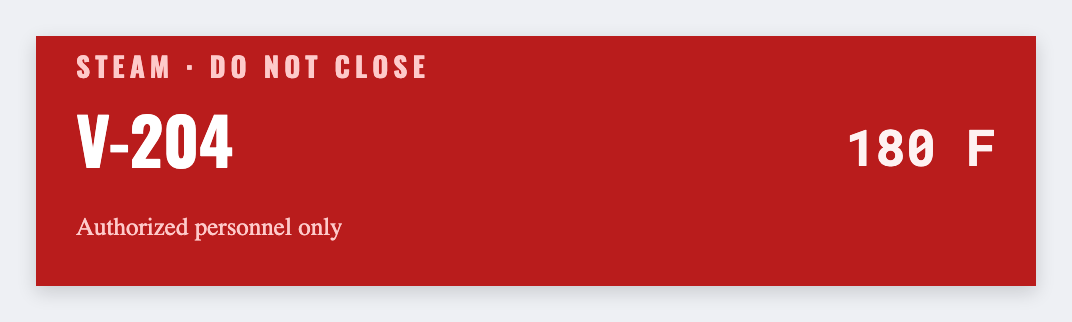
You can make pipe and valve labels for free. Open the free label maker, put the line ID and contents on the tag, add an arrow shape if you need flow, and print from Excel. No signup.
Good to know: Color codes and plant standards (ANSI/ASME style) are yours to apply. This is free design only.
How to print pipe and valve labels in the free label maker
- Open https://app.mylabelmaker.com. No signup.
- Set the size to the wrap or tag you bought.
- Add the line ID, contents, and an arrow shape if you need flow. Load the P&ID list from Excel.
- Print from this computer, or download PNG or PDF.
What to put on a pipe or valve label
- Line or valve ID, large
- Contents text you supply
- An arrow shape for flow, if you use one
- The whole P&ID list from Excel
Print a whole list from Excel or Google Sheets
If the names or codes already live in Excel or Google Sheets, put one item on each row. Map that column into the text, a barcode, or a QR code. Preview one row, then print the stack. Longer walkthrough: mail merge labels.
Print or save
Got a Zebra? Print with Browser Print at the printer's DPI. Everyone else: print from this computer, or download PNG, JPG, SVG, PDF, or ZPL. Save JSON if you want the editable master back later.