Free nail polish labels
Free label maker: Open app.mylabelmaker.com. No signup. Design the label, print from Excel if you have a list, then download PNG or PDF or print to a Zebra from this computer.
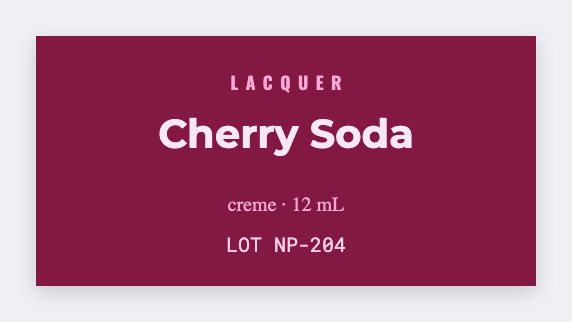
You can make nail polish labels free for tiny bottle faces. Open the free label maker, set a small custom label size, add the shade name and a batch ID. Load Excel if you have a shade list.
Good to know: You own product safety and labeling claims. We design the sticker.
How to make nail polish labels
- Open https://app.mylabelmaker.com. No signup.
- Set a tiny custom label size that fits the bottle.
- Add the shade name and a batch ID.
- Print on a Zebra or download PNG or PDF. Optional: load Excel for every shade.
What to put on the label
- Shade name
- Batch ID
- Brand line if it fits
- Tiny bottle size
Print a whole list from Excel
Yes, you can print from Excel. Put each name or SKU on its own row. Map a column into text, a barcode, or a QR code. Preview one row, then print the stack. Guide: mail merge labels.
Print or save
If you have a Zebra, print from this computer with Browser Print at the printer's DPI. Everyone else: download PNG, JPEG, SVG, PDF, or ZPL. JSON keeps the editable master.
Open the free label maker
No signup. Custom size, barcode or QR, print from Excel, PNG or PDF. Print to a Zebra or from this computer.
Open nail polish template