Free mayonnaise labels
Free label maker: Open app.mylabelmaker.com. No signup. Design the label, print from Excel if you have a list, then download PNG or PDF or print to a Zebra from this computer.
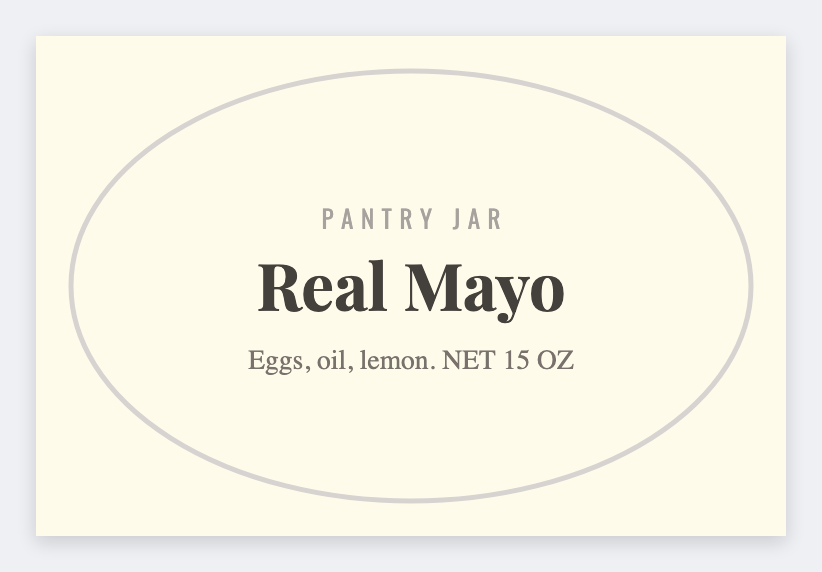
You can make mayonnaise labels free for a jar or a squeeze bottle. Open the free label maker, shout the style (classic, avocado, vegan), leave room for an egg or soy line. Load Excel for every batch.
Good to know: Egg, soy, and other allergen rules plus any "refrigerate after opening" line are yours.
How to make mayonnaise labels
- Open https://app.mylabelmaker.com. No signup.
- Set the size to the jar or squeeze sticker you actually have.
- Add the style line, allergen callout, net weight, and lot.
- Print on a Zebra or download PNG or PDF. Optional: load Excel for every SKU.
What to put on the label
- Style line (classic, garlic, vegan)
- Allergen callout space
- Net weight plus packed-on or lot
- Barcode from a SKU sheet
Refrigerated case
Keep contrast high. Fogged cooler doors kill light gray type. Black on white still wins.
Print a whole list from Excel
Yes, you can print from Excel. Put each name or SKU on its own row. Map a column into text, a barcode, or a QR code. Preview one row, then print the stack. Guide: mail merge labels.
Print or save
If you have a Zebra, print from this computer with Browser Print at the printer's DPI. Everyone else: download PNG, JPEG, SVG, PDF, or ZPL. JSON keeps the editable master.
Open the free label maker
No signup. Custom size, barcode or QR, print from Excel, PNG or PDF. Print to a Zebra or from this computer.
Open mayonnaise template