Free locksmith labels
Free label maker: Open app.mylabelmaker.com. No signup. Design the label, print from Excel if you have a list, then download PNG or PDF or print to a Zebra from this computer.
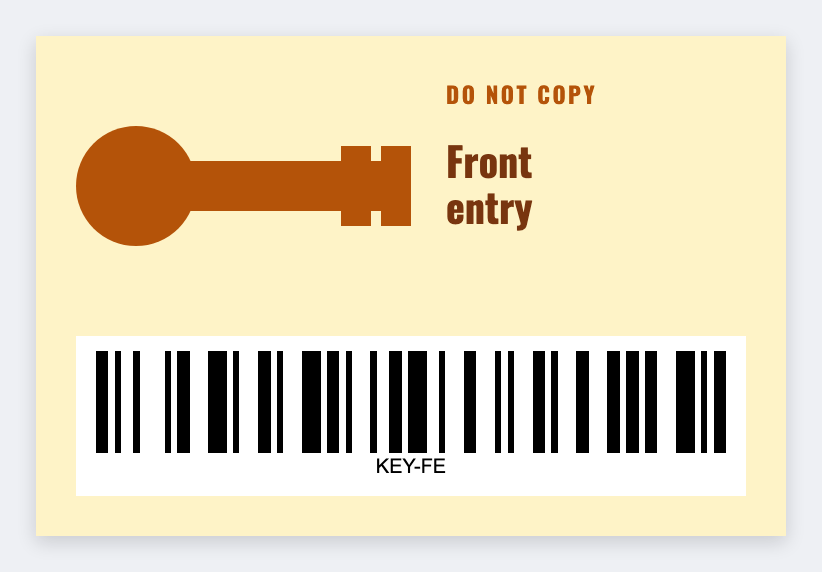
You can make locksmith labels free for the key ring and the job ticket. Open the free label maker, number the key, name the job, barcode the ticket. Load the job sheet if you have a list.
Good to know: Do not put key codes, bittings, or alarm codes on a tag that can be photographed.
How to make locksmith labels
- Open https://app.mylabelmaker.com. No signup.
- Set the size to the key tag or ticket you actually use. Often 2x1.
- Add a key number, customer first name, or a job address. Barcode the ticket if you want.
- Print on a Zebra or download PNG or PDF. Optional: load Excel for the day's jobs.
What to put on the label
- Key tag: number plus customer first name
- Job ticket: address and time window
- Van bin or pin kit labels
- Never print a bitting or access code on the public tag
Small stock
Key tags are often 2x1 or 1.5x1. Set that custom label size before you batch a ring of 40.
Print a whole list from Excel
Yes, you can print from Excel. Put each name or SKU on its own row. Map a column into text, a barcode, or a QR code. Preview one row, then print the stack. Guide: mail merge labels.
Print or save
If you have a Zebra, print from this computer with Browser Print at the printer's DPI. Everyone else: download PNG, JPEG, SVG, PDF, or ZPL. JSON keeps the editable master.
Open the free label maker
No signup. Custom size, barcode or QR, print from Excel, PNG or PDF. Print to a Zebra or from this computer.
Open locksmith template