Free hummus labels
Do this in the free app: Open https://app.mylabelmaker.com. No signup. Design the label, then print on a Zebra or download PNG, PDF, or ZPL.
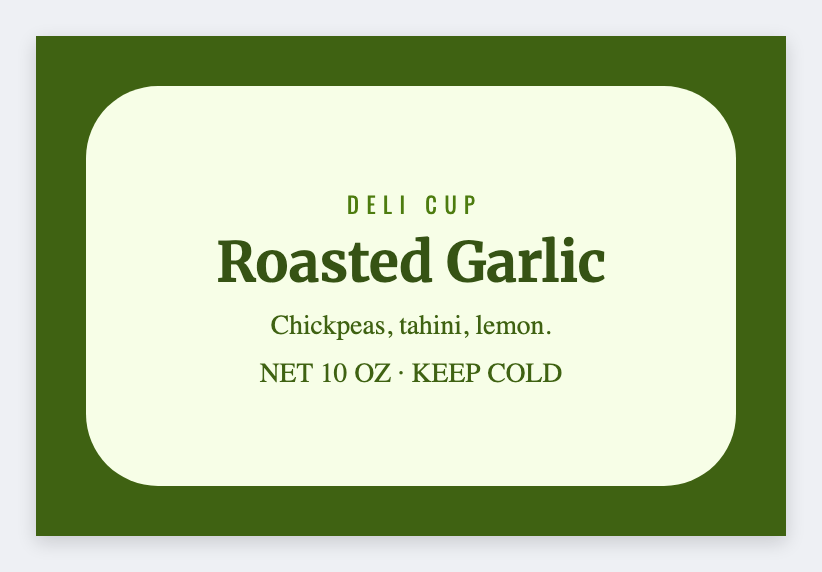
You can make hummus labels for free in the browser. Open the template, put the flavor and use-by on the cup lid, then print. If your prep sheet has Classic, Roasted Red Pepper, and Spicy, load Excel and print the whole stack. No signup.
Good to know: Refrigerated food dating and allergen rules are yours. Design only.
How to make hummus labels
- Open https://app.mylabelmaker.com. No signup.
- Set the size to the sticker or roll you actually have.
- Type the words that belong on this label. Add a barcode or QR if you need one.
- Print on a Zebra, or download PNG or PDF. If you have a list, load Excel or Google Sheets.
What to put on the label
- Flavor (classic, roasted red pepper, spicy)
- Use-by / packed-on tokens
- Allergen callout space
- Deli-cup or 3×2 wrap size
Print a whole list from Excel or Google Sheets
Put each name, SKU, or code on its own row. In the app, map that column into text, a barcode, or a QR code. Preview one row, then print the stack. Guide: mail merge labels.
Print or save
If you have a Zebra, print from this computer with Browser Print. Match the printer's DPI. Everyone else: download PNG, JPEG, SVG, PDF, or ZPL. Keep the JSON if you want to edit this later.
Design these labels free
Open the template, swap in your words, then print. No signup.
Open hummus template