How to make soap wrap labels at home
Open the free label maker: app.mylabelmaker.com. No signup. Design the label, then print to a Zebra or download PNG, PDF, or ZPL.
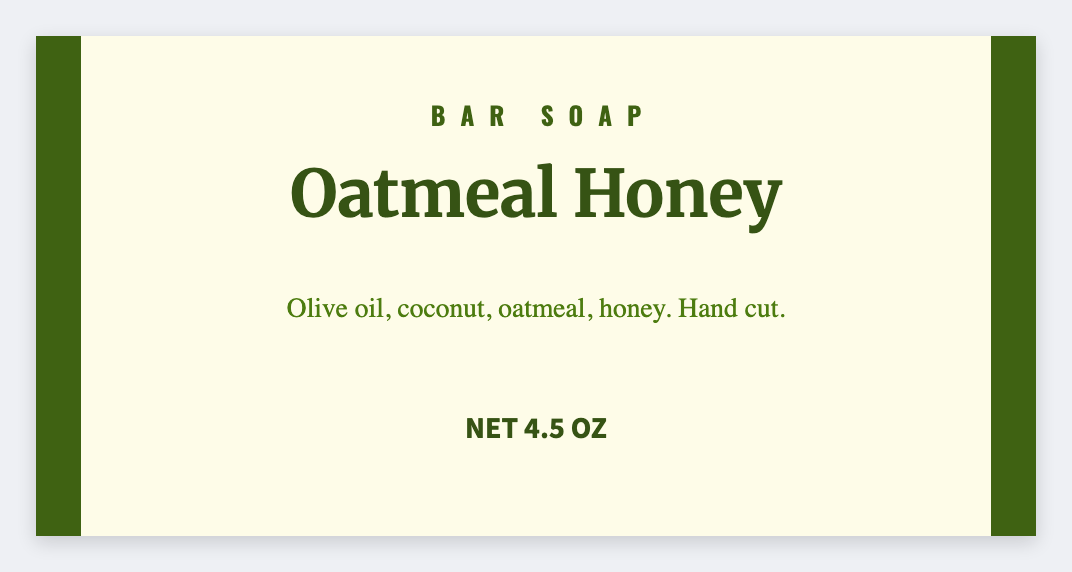
You can make soap wrap labels at home in the free label maker. Measure the bar, set that width and height, add the name and INCI line, and print a test wrap.
Good to know: We don't preview a cylinder wrap. Design a rectangle a little shorter than the bar so the ends meet cleanly. INCI wording is yours.
How to make soap wrap labels
- Open the soap wrap template. No signup.
- Measure the bar: wrap length (around) and band height. Set that custom size.
- Add a logo, {{scent}} or product name, and a short ingredient line.
- Print one test on paper first, wrap the bar, then print the batch on sticker stock.
Belly band vs full wrap
- Belly band: short height, name and weight only
- Full wrap: room for INCI and your shop name
Same app. Two sizes. Save both as JSON.
Print or save
Got a Zebra? Print with Browser Print at the printer's DPI. No Zebra? Print from this computer, or download PNG, JPG, SVG, PDF, or ZPL. Save JSON if you want to open the layout again later.