How to make pizza box labels from a menu list
Open the free label maker: app.mylabelmaker.com. No signup. Design the label, then print to a Zebra or download PNG, PDF, or ZPL.
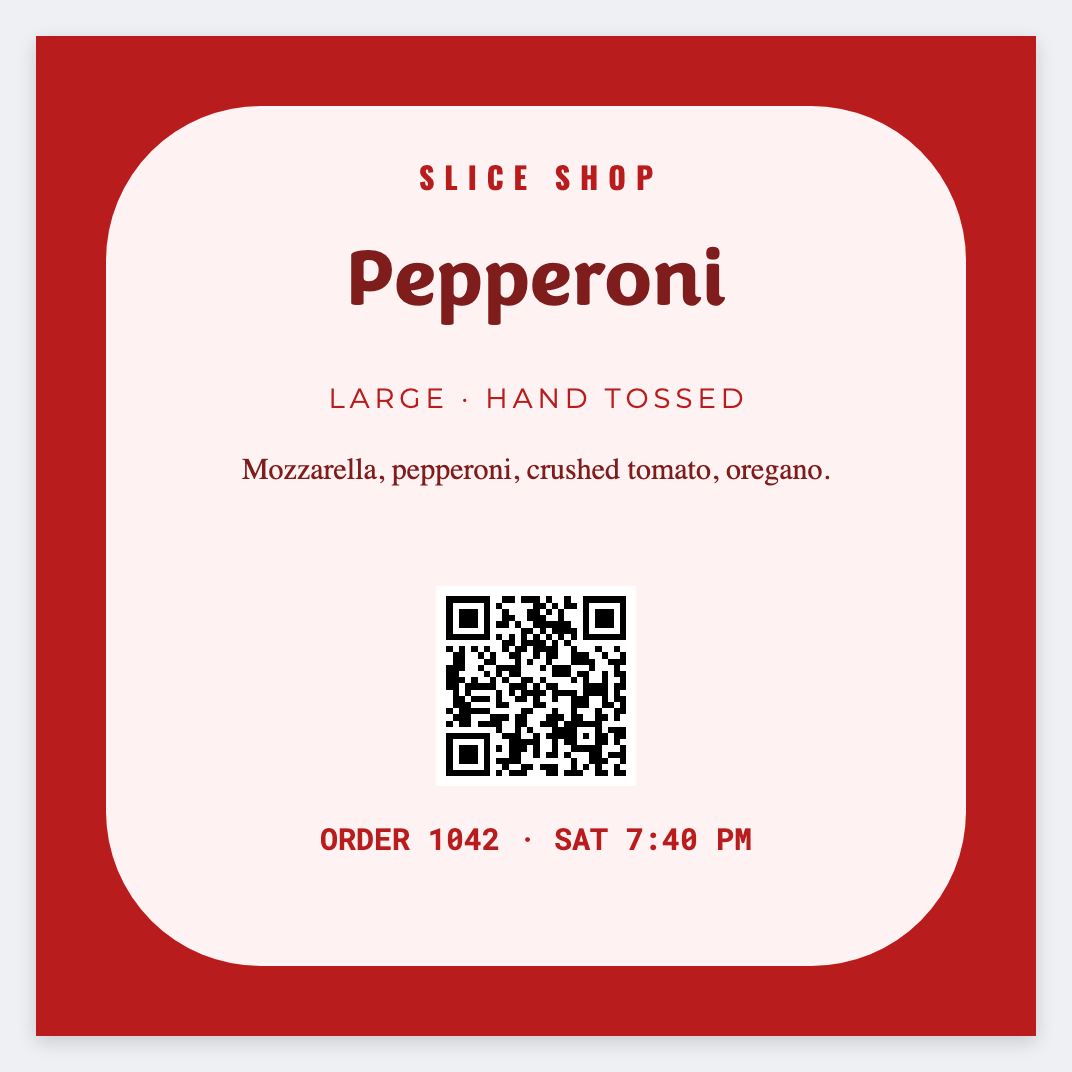
You can make pizza box labels from a menu list in the free label maker. Put pie name and allergen in a sheet, set 3x2, map {{pie}}, and print the shift.
Good to know: Allergen wording is yours. This is a box seal, not a nutrition panel.
How to make pizza box labels
- Open the pizza box template. No signup.
- Put pie, allergen, and an optional date on each Excel row.
- Set 3x2 or 4x3. Map {{pie}} large and {{allergen}} smaller.
- Preview two pies, then print the night's seals.
Box plus date dot
Name on 3x2. Packed-on on 2x1. Same sheet, two JSON files.
Print or save
Got a Zebra? Print with Browser Print at the printer's DPI. No Zebra? Print from this computer, or download PNG, JPG, SVG, PDF, or ZPL. Save JSON if you want to open the layout again later.