How to make menu QR stickers for tables
Open the free label maker: app.mylabelmaker.com. No signup. Design the label, then print to a Zebra or download PNG, PDF, or ZPL.
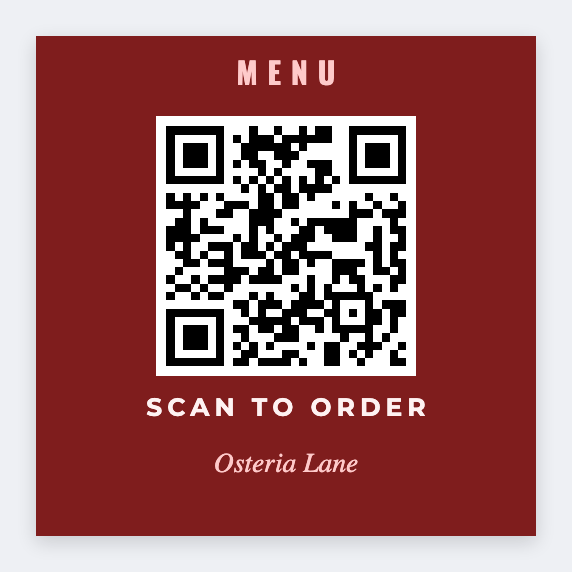
You can make menu QR stickers in the free label maker. Copy the live menu URL, paste it into a QR, add a short Scan for menu line, and print 2x2 table stickers or 3x2 tents.
Good to know: We encode only the URL you paste. If the menu page moves, reprint. We don't host or edit your menu.
How to make menu QR stickers
- Open the menu QR template. No signup.
- Copy the public menu URL, the one that actually opens on a phone.
- Set 2x2 or 3x2. Add a QR with that URL and a short Scan for menu line.
- Print one. Scan it on cellular. Then print the tables.
Several locations
If each site has its own menu link, put table or store and url on the sheet. Map a QR per row.
Print or save
Got a Zebra? Print with Browser Print at the printer's DPI. No Zebra? Print from this computer, or download PNG, JPG, SVG, PDF, or ZPL. Save JSON if you want to open the layout again later.