How to make lip balm labels that fit the tube
Do this in the free label maker: app.mylabelmaker.com. No signup. Design the label, then print to a Zebra or download PNG, PDF, or ZPL.
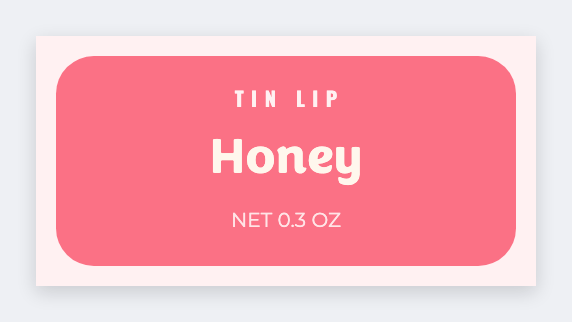
You can make lip balm labels that actually sit on the tube. Measure the wrap, open the free label maker, set that custom size, add flavor and a short ingredient line, then print a test. No signup. We don't preview a cylinder.
Good to know: We don't preview a cylinder. Design a rectangle a little shorter than the wrap. INCI wording is yours.
How to make lip balm labels
- Open https://app.mylabelmaker.com. No signup.
- Measure the tube wrap (around) and the band height, then set that custom size.
- Add {{flavor}}, net weight, and a short ingredient line.
- Print one paper test wrap. Then print the batch on sticker stock.
Why a real size beats a pretty page
A pretty page in another app is often the wrong height. A lip balm wrap is often under 2 inches tall. Set the real size here, then batch flavors from a sheet.
Print or save
If you have a Zebra, print from this computer with Browser Print at the printer's DPI. If you don't, download PNG, JPEG, SVG, PDF, or ZPL. JSON keeps the layout so you can open it later.