How to make hot sauce labels for bottles
Do this in the free label maker: app.mylabelmaker.com. No signup. Design the label, then print to a Zebra or download PNG, PDF, or ZPL.
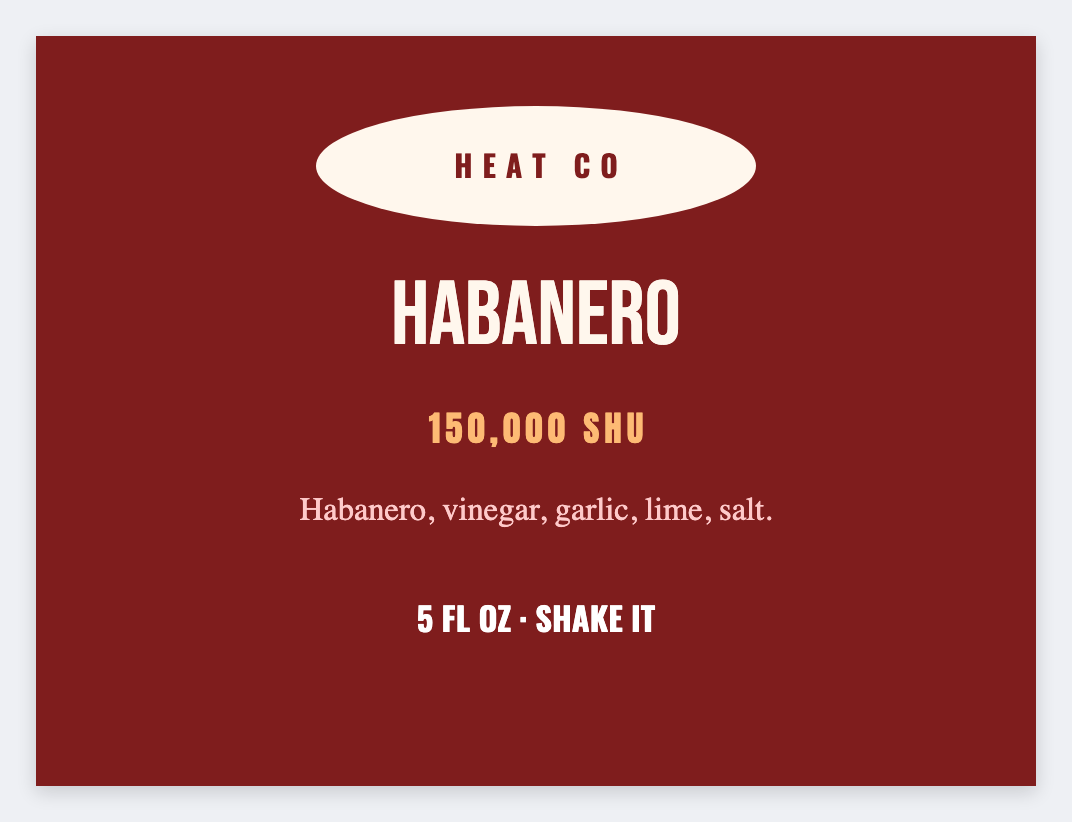
You can make hot sauce labels in the free label maker. Measure the bottle, set that wrap, add name, heat, and ingredients. Load a sheet if you bottle more than one recipe. No signup. Heat claims stay yours.
Good to know: Heat claims and cottage-food wording are yours. We print the face. We don't certify sauce.
How to make hot sauce labels
- Open https://app.mylabelmaker.com. No signup.
- Measure the bottle wrap (a bit short so the ends meet) and set that size.
- Add {{name}}, {{heat}}, {{ingredients}}, and net volume.
- Print one test on glass. Then print the batch.
Many heat levels
Put each recipe on a row. Map heat as a short line (Mild, Hot, XXX). Same wrap, different row.
Print or save
If you have a Zebra, print from this computer with Browser Print at the printer's DPI. If you don't, download PNG, JPEG, SVG, PDF, or ZPL. JSON keeps the layout so you can open it later.