Print book spine labels from Excel
Do this in the free label maker: app.mylabelmaker.com. No signup. Design the label, then print to a Zebra or download PNG, PDF, or ZPL.
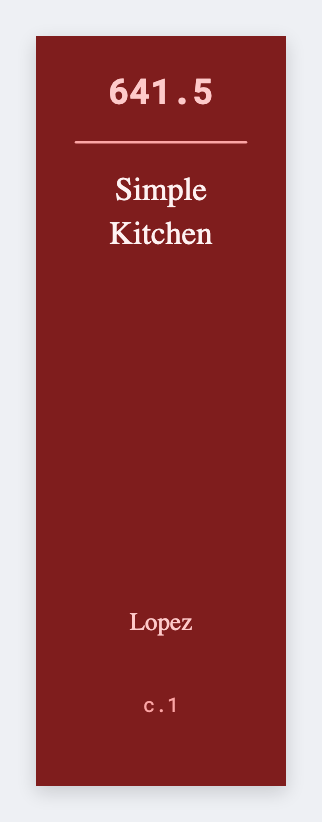
You can print book spine labels from Excel in the free label maker. Export call number and title, set a tall thin spine, map {{call}}, then print. No signup. We don't talk to your ILS. Don't put patron names on a spine.
Good to know: We don't talk to your ILS. Export a CSV. Don't put patron names on a spine.
How to make book spine labels from a catalog
- Open https://app.mylabelmaker.com. No signup.
- Export call number, short title, and an optional barcode. Set a custom tall size (for example 0.75x1.5).
- Map {{call}} large. Add {{title}} if it fits.
- Preview two books. Print the cart.
Classroom libraries
If you only have titles, skip the call number. Large title type on a small spine is enough for a bin.
Print or save
If you have a Zebra, print from this computer with Browser Print at the printer's DPI. If you don't, download PNG, JPEG, SVG, PDF, or ZPL. JSON keeps the layout so you can open it later.