Free GS1-128 barcode labels (design)
Do this in the free app: app.mylabelmaker.com. No signup. Design the label, then print on a Zebra or download PNG / PDF / ZPL.
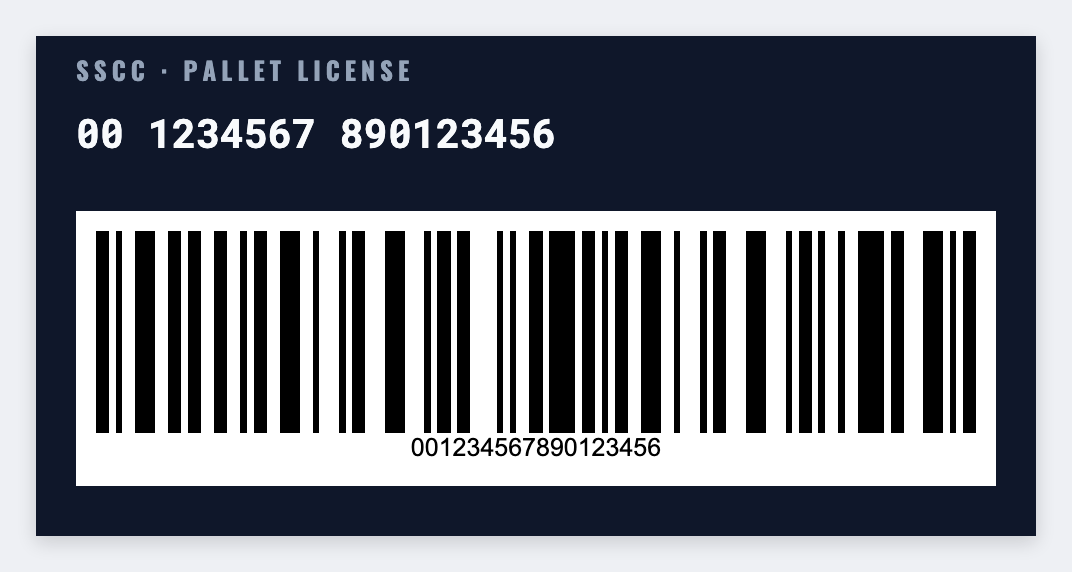
You can make GS1-128 barcode labels for free if you already own the data. Paste the AI string you control onto a carton sticker, add a human-readable line, then print. We don't issue GS1 prefixes.
Good to know: GS1 encoding compliance is your responsibility. Validate scanners before production.
How to make GS1-128 barcode labels
- Open the GS1-128 template. No signup.
- Set a carton size and add a GS1-128 barcode.
- Paste the AI string you already own. Add a human-readable line.
- Print a test scan, then the run. We do not issue GS1 prefixes.
What to put on the label
- AI data strings you paste
- Carton and PO tokens
- Human-readable lines
- Quiet-zone friendly layouts
Print a whole list from Excel or Google Sheets
If you have a list, put one item per row. Map a column to the text, barcode, or QR. Preview the first row, then print the stack. Guide: mail merge labels.
Print or save
If you have a Zebra, print from this computer with Browser Print at the printer's DPI. Everyone else: download PNG, JPEG, SVG, PDF, or ZPL. Save the JSON if you want to edit this layout later.