Free graduation labels
Do this in the free app: app.mylabelmaker.com. No signup. Design the label, then print on a Zebra or download PNG / PDF / ZPL.
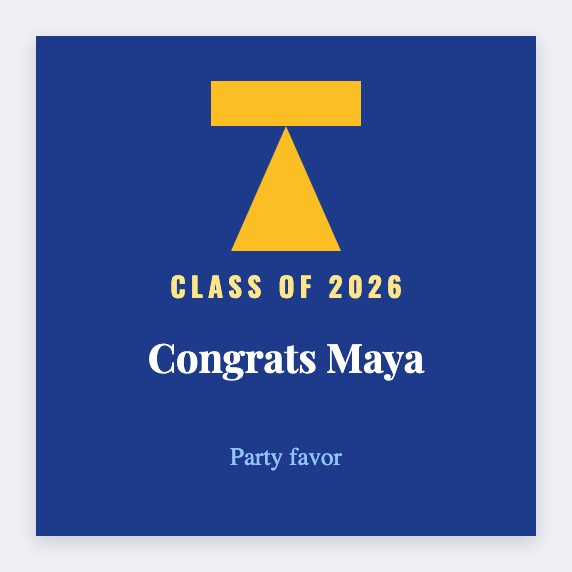
You can make graduation labels for free. Name stickers for favors, water bottles, and gifts. Load the roster from Excel if you have a list.
How to make graduation labels
- Open https://app.mylabelmaker.com. No signup.
- Set the size to the sticker or roll you actually have.
- Add the text, barcode, or QR that belongs on this label.
- Print on a Zebra, print from this computer, or download PNG or PDF.
What to put on the label
- Graduate name tokens
- School / year line
- Favor stickers
- Batch from roster
Print a whole list from Excel or Google Sheets
If you have a list, put one item per row. Map a column to the text, barcode, or QR. Preview the first row, then print the stack. Guide: mail merge labels.
Print or save
If you have a Zebra, print from this computer with Browser Print at the printer's DPI. Everyone else: download PNG, JPEG, SVG, PDF, or ZPL. Save the JSON if you want to edit this layout later.