Free farm and ranch labels
Do this in the free app: app.mylabelmaker.com. No signup. Design the label, then print on a Zebra or download PNG / PDF / ZPL.
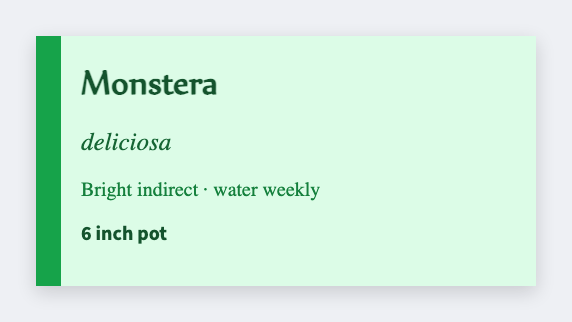
Yes. You can make free farm and ranch labels for CSA boxes, egg cartons, and equipment. Open the plant tag template (or start blank), type the share size or packed-on date, then print. If you have a week's list, load Excel.
Good to know: Egg, meat, and organic-claim rules are yours. Design only.
How to make free farm and ranch labels
- Open the plant tag template, or start from a blank size. No signup.
- Set the size to the box seal, carton face, or equipment tag you actually stick.
- Type the CSA week, packed-on date, or equipment ID.
- Print on a Zebra, or download PNG or PDF. Load Excel if you have a whole week's shares.
What to put on a farm or ranch label
Someone opening a CSA box should know the week and the share size. Equipment tags are just a readable ID.
- CSA week / share-size tokens
- Egg carton packed-on date
- Equipment / gate ID
- Box seal or 2×3 size
Print a week's shares from Excel or Google Sheets
Put each share, carton, or machine on its own row. Map week, size, or ID onto the face. Preview two rows, then print the stack. Guide: mail merge labels.
Print or save
If you have a Zebra, print from the browser with Browser Print at the printer's DPI. Everyone else: download PNG, JPEG, SVG, PDF, or ZPL. JSON keeps the editable master so you can come back to it.