Free essential oil labels
Do this in the free app: app.mylabelmaker.com. No signup. Design the label, then print on a Zebra or download PNG / PDF / ZPL.
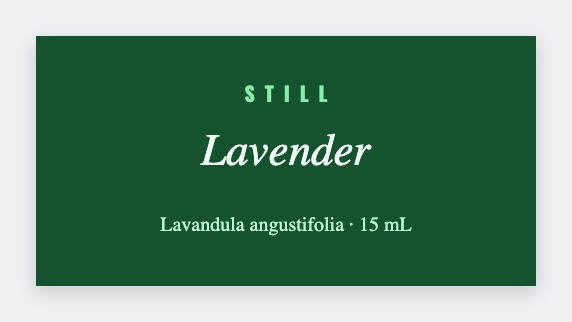
Yes. You can make free essential oil labels for small dropper bottles. Open the template, type the common name and Latin name, add the lot and size, then print. If you have a scent list, load Excel.
Good to know: Cosmetic and aromatherapy claims are yours. This is design only, not a regulated label system. We don't mail bottles.
How to make free essential oil labels
- Open the essential oil template. No signup.
- Set the size to the sticker that actually wraps your bottle.
- Type the common name and Latin name. Add lot, size, and any warning you already print.
- Print on a Zebra, or download PNG or PDF. Load Excel if you have a whole scent list.
What to put on an essential oil label
Keep the type small-bottle honest. Two names, a size, a lot. You write the warning.
- Common + botanical names
- Lot and size tokens
- Warning text you control
- QR to SDS or shop
Print a scent list from Excel or Google Sheets
Put each oil on its own row: common name, Latin name, size, lot. Map those columns onto the face. Preview two bottles, then print the stack. Guide: mail merge labels.
Print or save
If you have a Zebra, print from the browser with Browser Print at the printer's DPI. Everyone else: download PNG, JPEG, SVG, PDF, or ZPL. JSON keeps the editable master so you can come back to it.