Free Cyber Monday sale labels
Do this in the free app: app.mylabelmaker.com. No signup. Design the label, then print on a Zebra or download PNG / PDF / ZPL.
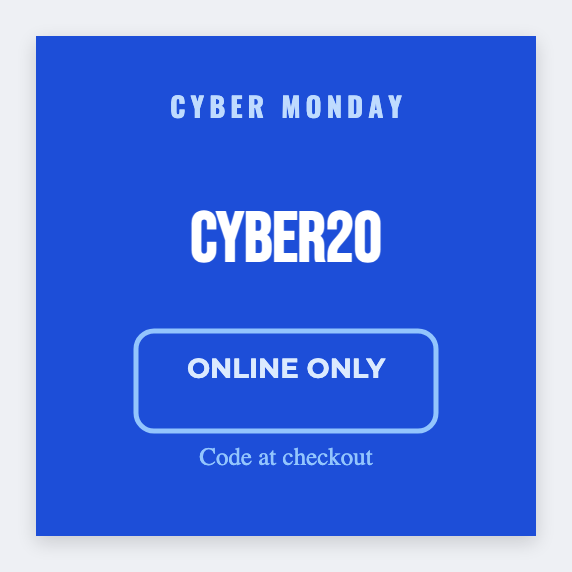
You can make free Cyber Monday labels for sale stickers and extra pack faces. Load SKUs and prices from the promo sheet. Postage still comes from the carrier. We don't sell postage. Open the free label maker and start.
Good to know: Postage stays with USPS/UPS/FedEx or your marketplace. Sale-price rules are yours.
How to make cyber monday sale labels
- Open https://app.mylabelmaker.com. No signup.
- Set the size to the sale sticker or pack face you actually print.
- Add the offer line and price. SKU barcode if you scan it.
- Print a test. Then print the rest, or load Excel for the promo sheet.
What to put on the label
- Sale or percent-off line
- A pack 4x6 or a 2x2 sale sticker
- SKU barcode from Excel, if you scan it
- Not a postage tool. Buy postage from the carrier.
Print a whole list from Excel or Google Sheets
Keep one SKU or offer per row. Map the price into text. Preview one row, then print the stack. Guide: mail merge labels.
Print or save
If you're printing to a Zebra, use Browser Print and match the printer's DPI. Otherwise download PNG, JPEG, SVG, PDF, or ZPL. JSON is the file you can open again later.
Print the sale stickers
Prices from the sheet. Postage from the carrier. No account.
Open Cyber Monday template