Free cookie labels
Do this in the free app: app.mylabelmaker.com. No signup. Design the label, then print on a Zebra or download PNG / PDF / ZPL.
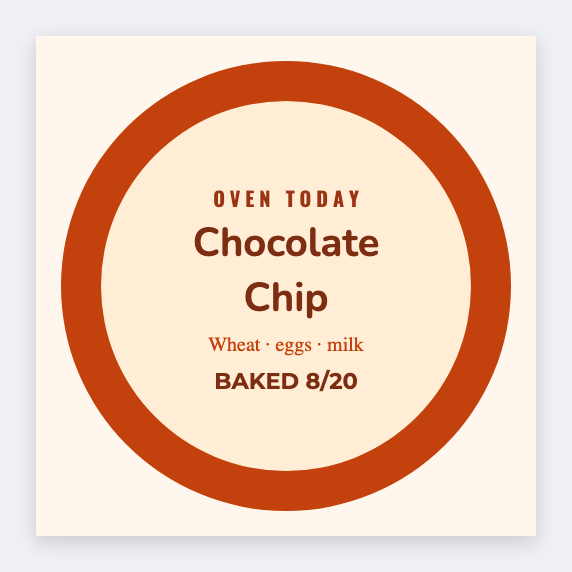
You can make free cookie labels for bag seals and tins. Flavor, allergen line, bake date. Open the free label maker, then load the weekend list from a sheet. Allergen wording stays yours.
Good to know: Allergen and packaged-food rules are yours. Design only.
How to make cookie labels
- Open https://app.mylabelmaker.com. No signup.
- Open the cookie template, or set the size to the sticker on your bags.
- Add the flavor name, allergen line, and bake date.
- Print a test on one bag. Then print the rest, or load Excel for the weekend flavors.
What to put on the label
- Flavor name (choc chip, snickerdoodle)
- Contains or allergen line
- Bake date or best-by
- Price or SKU barcode, if you scan it
Print a whole list from Excel or Google Sheets
Keep one flavor per row. Map the name into text. Preview one row, then print the stack. Guide: mail merge labels.
Print or save
If you're printing to a Zebra, use Browser Print and match the printer's DPI. Otherwise download PNG, JPEG, SVG, PDF, or ZPL. JSON is the file you can open again later.