Free coffee shop labels
Do this in the free app: app.mylabelmaker.com. No signup. Design the label, then print on a Zebra or download PNG / PDF / ZPL.
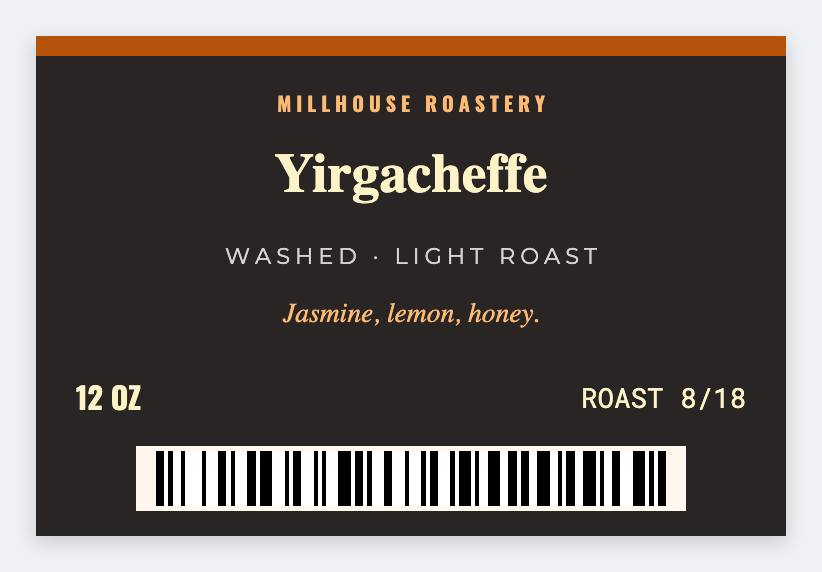
You can make free coffee shop labels for the pastry case, cup seals, and the bags you sell at the counter. Design one face in the free label maker, then load the day's names from a sheet. For wholesale roast bags, see coffee bag labels.
Good to know: Allergen and retail food rules are yours.
How to make coffee shop labels
- Open https://app.mylabelmaker.com. No signup.
- Set the size to the sticker on your cups, case, or bags.
- Add the pastry or drink name. Allergen line if you need one. Barcode or QR if you scan it.
- Print a test. Then print the rest, or load Excel for the day's list.
What to put on the label
- Pastry or drink name
- Allergen or milk-alt line, if you use one
- Roast date on retail bags
- A cup-seal size, often 2x1
Print a whole list from Excel or Google Sheets
Keep one pastry or drink per row. Map the name into text. Preview one row, then print the stack for the case. Guide: mail merge labels.
Print or save
If you're printing to a Zebra, use Browser Print and match the printer's DPI. Otherwise download PNG, JPEG, SVG, PDF, or ZPL. JSON is the file you can open again later.