Banner letter label template
Do this in the free app: app.mylabelmaker.com. No signup. Design the label, then print on a Zebra or download PNG, PDF, or ZPL.
A banner letter label template is one large letter on a square sticker. Open the banner letter template, type the letter, print from This computer, then print the next letter.
Good to know: Print at home on sticker paper or card stock. This is not a vinyl cutter and not a pre-strung banner we ship. We do not mail stickers.
How to print a banner letter label
- Open https://app.mylabelmaker.com/?template=banner-letter. No signup.
- Type one letter. Print that square.
- Change the letter. Print the next square.
- Hang the row with tape or string. Skip Avery multi-up sheets.
Each sticker is a 2 inch square with one huge letter in the center.
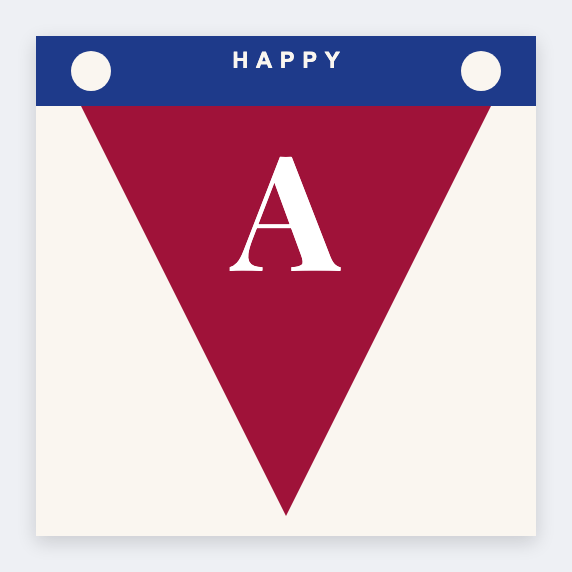
Print from This computer. One letter per print is fine. Download PDF if you print from Preview at actual size.
Print or save
If you have a Zebra, print from this computer with Browser Print at the printer's real DPI. If you don't, download PNG, PDF, or ZPL and print the file. JSON keeps the editable master.