Table number label template
Do this in the free app: app.mylabelmaker.com. No signup. Design the label, then print on a Zebra or download PNG / PDF / ZPL.
Yes. There's a free table number label template you can print at home. Open the table number template, type 1, print from this computer, then type 2. Card stock stands. Sticker paper sticks. We don't mail table numbers.
Good to know: Print at home on card stock for a tent, or sticker paper for a table face. Not a vinyl cutter. We do not mail table numbers.
How to print a table number label template
- Open the table number label template. No signup.
- Type the number. Keep it the largest thing on the face.
- Print from this computer, or download PDF at actual size.
- Stand it as a tent, or stick it on the table. Print the next number.
The face is a 3 inch square. The number sits huge in the center with a thin frame.
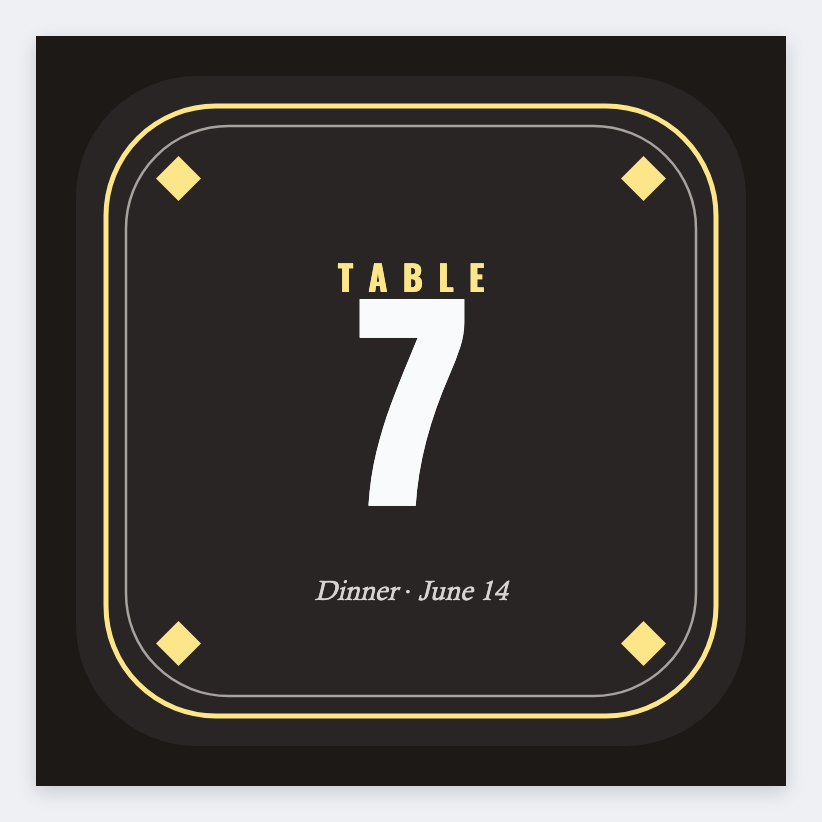
Card stock stands. Sticker paper sticks. We do not mail table numbers.
Print or save
Got a Zebra? Print with Browser Print at the printer's DPI. Everyone else: print from this computer, or download PNG, JPG, SVG, PDF, or ZPL. JSON keeps the editable master.