Free automotive parts labels
Free label maker: app.mylabelmaker.com. No signup. Batch from Excel. Export PNG/PDF/ZPL or print Zebra thermal via Browser Print. Hubs: label maker · industries · label sizes.
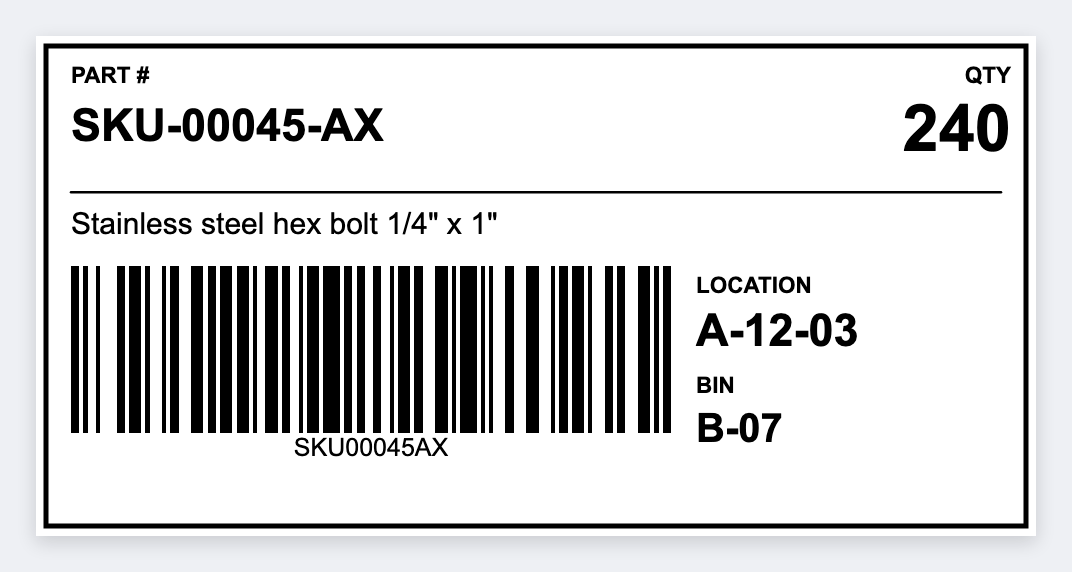
How to make automotive parts labels
- Open https://app.mylabelmaker.com. No signup.
- Set the sticker size to the stock you have.
- Add the part number, description, and a CODE128 barcode.
- Load the inventory CSV, preview a row, print.
Parts counters need scannable SKUs and bin locations. Open the free label maker, set the size, add CODE128, load the inventory CSV, print.
What to print
- Part number + description
- Bin location barcode
- Supplier lot fields
- Core/return tags
Start in the free app. Industry hub: industries.
Batch from your system
Export CSV from your POS, LIMS, PMS, or spreadsheet. Map tokens, preview rows, batch print. Guide: mail merge labels free.
Design these labels free
Set the size, add the part number, print from Excel. No signup.
Open inventory template