How to make salon bottle labels from a product list
Open the free label maker: app.mylabelmaker.com. No signup. Design the label, then print to a Zebra or download PNG, PDF, or ZPL.
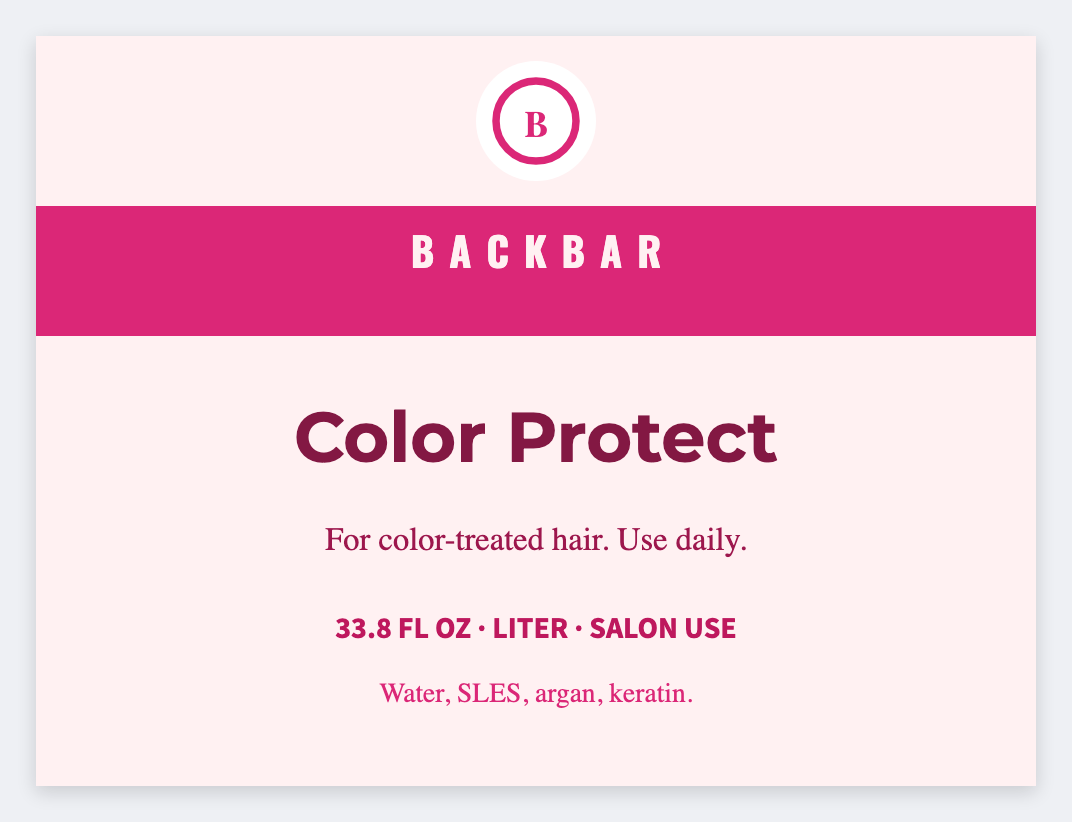
You can make salon bottle labels from a product list in the free label maker. Put product, mix, and date in a sheet, set a small wrap, map {{product}}, and print the back bar.
Good to know: Mix ratios are yours. We print the words you type. Don't put client last names on a bottle that sits in a shared bay if that's private.
How to make salon bottle labels
- Open the salon bottle template. No signup.
- Put product, mix, date, and optional station on each Excel row.
- Set a small wrap. Map {{product}} large, then {{mix}} and {{date}}.
- Preview two bottles, then print the back bar.
Color vs shampoo
Color bottles need mix and date. Retail shampoo can reuse the shampoo-bottle how-to. Same app, different tokens.
Print or save
Got a Zebra? Print with Browser Print at the printer's DPI. No Zebra? Print from this computer, or download PNG, JPG, SVG, PDF, or ZPL. Save JSON if you want to open the layout again later.
Print the back bar
Product and date from the sheet. Leave client last names off a shared bay.
Open salon bottle template