How to make maple syrup labels for bottles
Open the free label maker: app.mylabelmaker.com. No signup. Design the label, then print to a Zebra or download PNG, PDF, or ZPL.
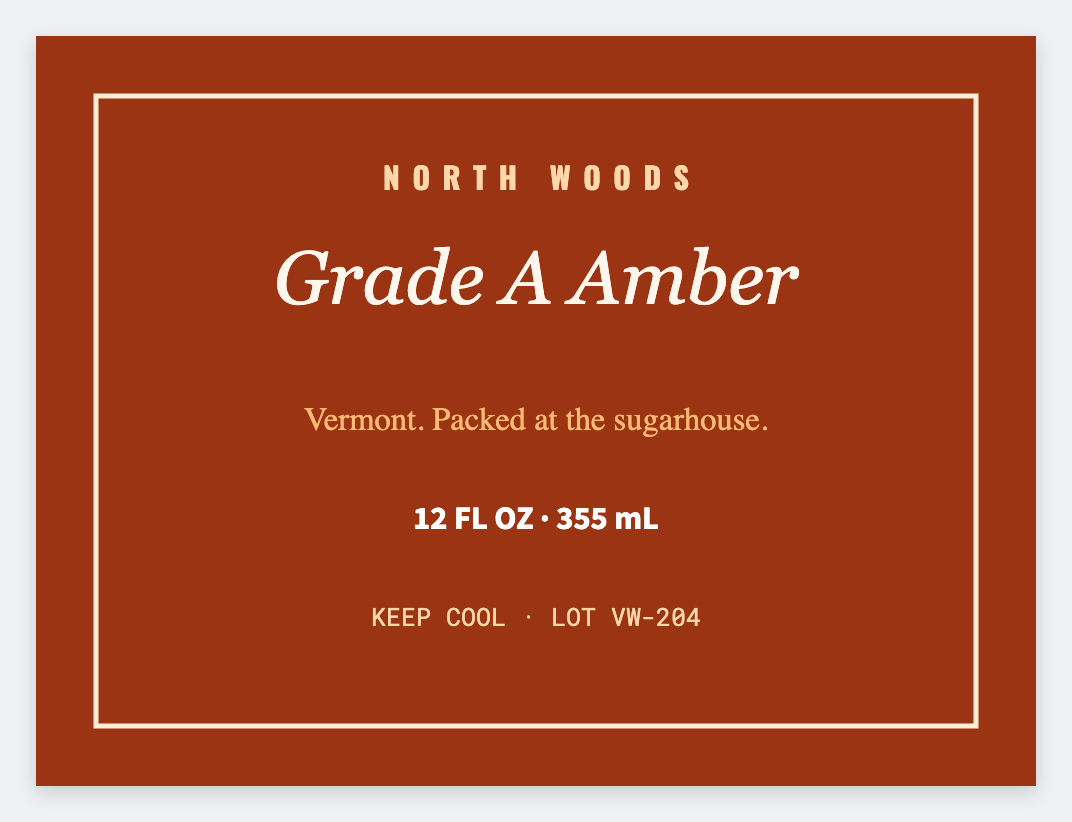
You can make maple syrup labels in the free label maker. Measure the bottle, set that wrap, map {{grade}} and {{year}}, and print a test on glass.
Good to know: Grade and origin claims are yours. We print the row. We don't certify syrup.
How to make maple syrup labels
- Open the maple syrup template. No signup.
- Measure the bottle wrap and set that size.
- Add {{grade}}, {{year}}, and net volume from your sheet.
- Print one test on the bottle. Then print the case.
Jugs vs bottles
Same list. Jugs just need a larger face. Save two JSON sizes so you can switch without rebuilding the layout.
Print or save
Got a Zebra? Print with Browser Print at the printer's DPI. No Zebra? Print from this computer, or download PNG, JPG, SVG, PDF, or ZPL. Save JSON if you want to open the layout again later.
Print this year's bottles
Grade and year from the sheet. One test, then the case.
Open maple syrup template