How to make florist care labels from a list
Do this in the free label maker: app.mylabelmaker.com. No signup. Design the label, then print to a Zebra or download PNG, PDF, or ZPL.
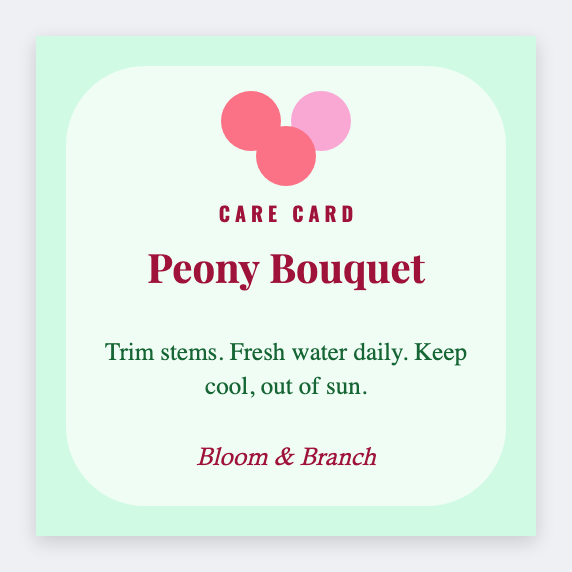
You can make florist care labels from a list in the free label maker. Put variety and a short care line in a sheet, set 2x3, map {{flower}} and {{care}}, then print the sleeves. No signup. Care advice is yours.
Good to know: Care advice is yours. We print the words you type.
How to make florist care labels
- Open https://app.mylabelmaker.com. No signup. Set 2x3.
- Load a sheet with flower, care, and optional price.
- Map {{flower}} large and {{care}} wrapped.
- Preview two varieties. Print the cooler run.
Price on the same face
Add {{price}} if you sell by stem. Or print a second 2x1 price seal from the same sheet.
Print or save
If you have a Zebra, print from this computer with Browser Print at the printer's DPI. If you don't, download PNG, JPEG, SVG, PDF, or ZPL. JSON keeps the layout so you can open it later.