Bracket tag label template
Do this in the free app: app.mylabelmaker.com. No signup. Design the label, then print on a Zebra or download PNG, PDF, or ZPL.
A bracket tag label template is a printable tag with decorative brackets around a word. Open the bracket tag template, type the word, then print from this computer. No signup.
Good to know: Print at home on sticker paper or card stock. Not a vinyl cutter. We don't mail tags.
How to print a free bracket tag template
- Open the bracket tag label template at app.mylabelmaker.com. No signup.
- Type the word between the brackets.
- Print from this computer onto sticker paper or card stock.
- Cut the tag. Stick it, or punch a hole for string.
The tag is a 3 by 2 inch face. Decorative brackets sit on each side of the word.
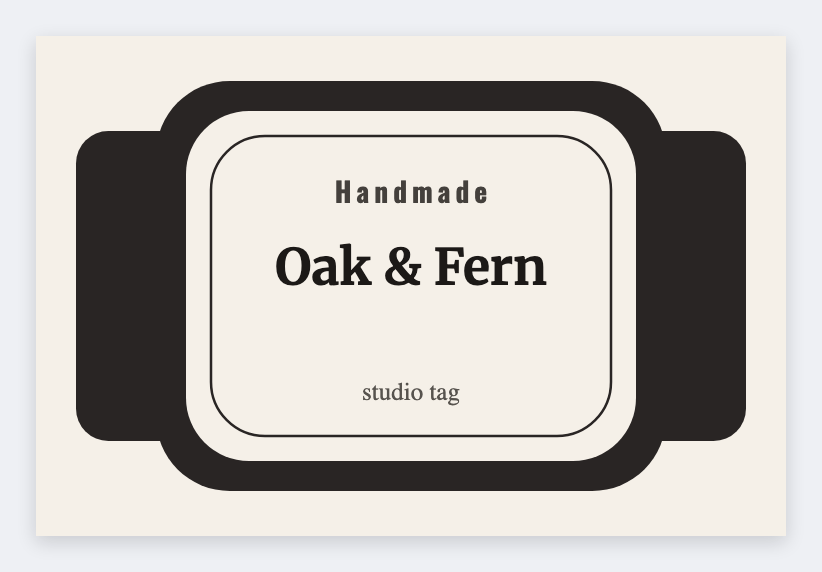
Print at actual size. We don't mail tags.
Print or save
If you have a Zebra, print from this computer with Browser Print at the printer's DPI. Everyone else: download PNG, JPEG, SVG, PDF, or ZPL. JSON keeps the editable master.